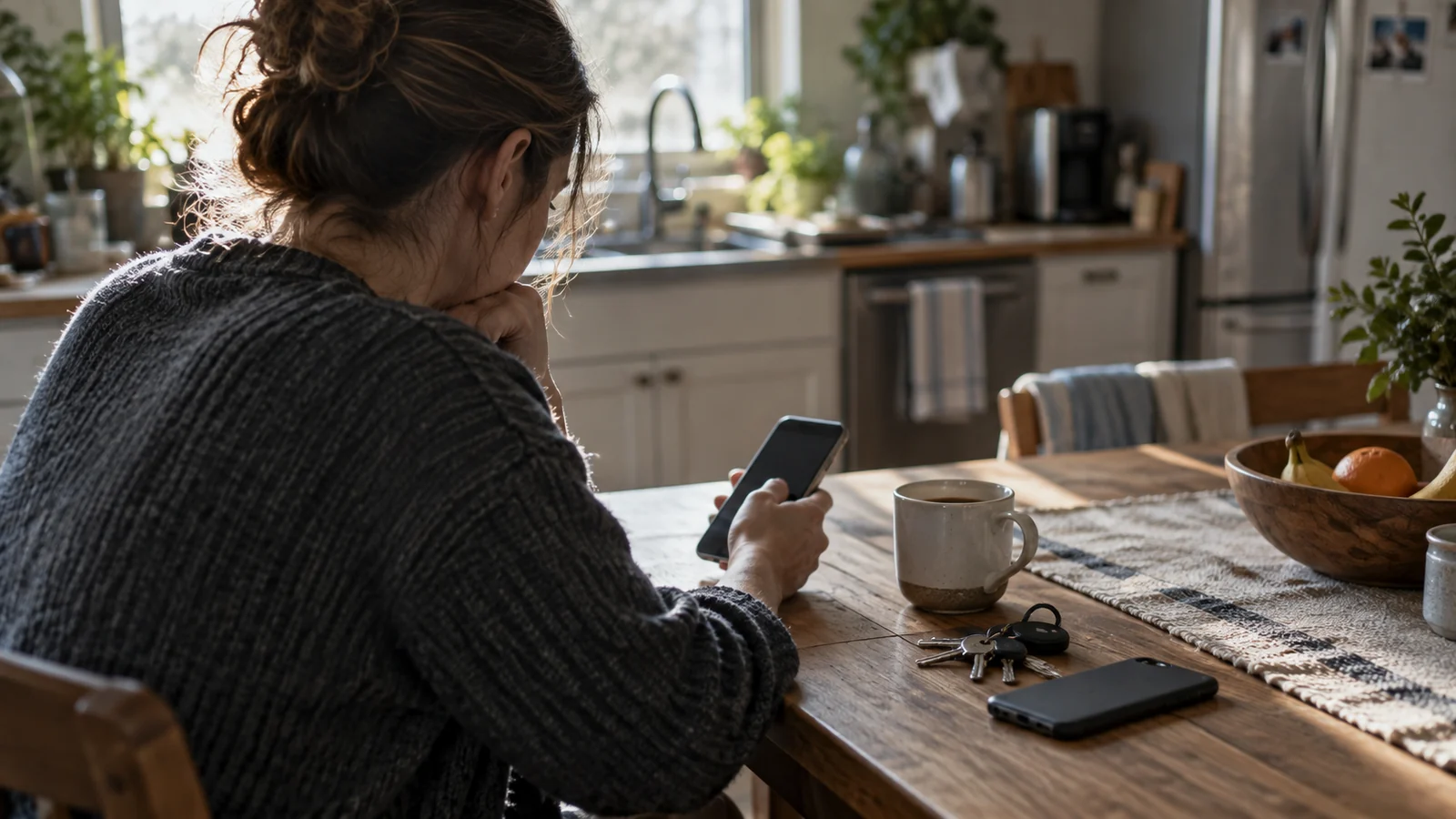

An emergency alert app only earns its place if it tells you something your phone doesn't already tell you for free. Most don't, and the ones that do are narrower and more useful than the app store makes them look.
Your phone already receives government warnings with nothing installed. So the honest question isn't which alert app is best — it's which gap you're actually filling.
How We Chose
We haven't run a comparative test of alerting apps, and anyone claiming to have done so rigorously is describing something very hard to do — it means waiting for real emergencies in several regions and seeing what arrived first. What follows is based on what each app publishes about its own sources and what it costs, with the funding model stated, because that explains more than any feature list.
Where an app is free because it reads public National Weather Service feeds, we say so. That isn't a criticism. It's the reason to trust it.
What Your Phone Already Does
Before installing anything: imminent threat warnings, national alerts and AMBER alerts arrive on any capable handset in the affected area, with no app and no account. The full picture is in Wireless Emergency Alerts.
That system has three real limits, and they're the only defensible reasons to add an app.
It only covers where the phone is. It cannot warn you about your parents two states away, or the town your children are at camp in.
It's deliberately terse. A short broadcast — no map, no detail, no forecast track.
It keeps no history. Dismiss it and it's gone.
The Apps Worth the Space
A free emergency alert app that reads public feeds and presents them clearly is doing something genuinely useful. One that repackages the same feeds behind a subscription is not.
The FEMA app is the closest thing to a default. It carries National Weather Service alerts for multiple saved locations — the multi-location gap the broadcast system can't fill — plus preparedness information and disaster resource details. Free, federal, nothing being monetised.
The American Red Cross Emergency app covers similar alerting ground and adds offline first aid guidance, which is a reasonable thing to have on a phone whether or not you use the alerts. Also free.
Watch Duty is the wildfire one. It's run by a nonprofit, and its value comes from people monitoring radio traffic and posting what they hear — openly presented as such, and often ahead of official channels. In fire-prone counties it has become the app people actually check.
Beyond those, your local National Weather Service office and your county emergency management agency publish their own feeds, and that's frequently the most specific information available anywhere.
Setting Them Up So They Still Work in Six Months
An emergency alert app for iphone or android is only as good as its notification permissions, and that's where most of them quietly stop working.
Allow notifications, and specifically allow critical or time-sensitive alerts if the app offers it. That's what lets a warning through Focus, Do Not Disturb or a sleep schedule. An app without that permission waits politely until morning.
Then exempt it from battery optimisation. Aggressive power management is the most common reason an alert arrives hours late, and it is silent when it happens.
Add the locations that matter, not just your own. Then test it: most apps offer a test or demo notification, and if you can't make one appear on a locked phone, it will not appear during a tornado warning either.
Do that check twice a year, tied to something you already do — the same rhythm as the rest of the kit, in Emergency Checklists & Templates.
For local, lower-tier notifications like road closures and boil-water notices, an app usually isn't the answer at all: Emergency Alerts in My Area covers signing up with your county directly.
Install one, give it the permissions it needs, and add the addresses of the people you'd worry about. That's the whole job.
FAQ: Emergency Alert Apps
Do I need an emergency alert app at all?
Not for imminent threats where you are — your phone receives those free. An app earns its place for alerts about other locations, for hazard detail, and for keeping a record.
Are free emergency alert apps any good?
Yes, and free is normal in this category because most read public National Weather Service feeds. Treat a subscription charge for repackaged public data as a reason to look elsewhere.
Which is best on iPhone or Android?
The same ones. The FEMA and Red Cross apps are on both, and the meaningful difference is in the notification permissions you grant, not the platform.
Why didn't my app alert me?
Almost always notification permissions or battery optimisation. Allow critical or time-sensitive notifications, exempt the app from power saving, and send yourself a test.
How many should I install?
One general, plus one for the specific hazard your area has. More than that produces duplicate notifications, and duplicates get muted.
Do you test these apps?
No. Testing alerting apps properly means waiting for real emergencies across several regions. We describe what each publishes about its sources and funding instead, and say so when we can't verify something.
Sources
- FEMA — mobile app description and IPAWS alerting
- American Red Cross — Emergency app description
- Watch Duty — published information on sources and nonprofit funding
- National Weather Service — public alert feeds and local office pages
This page is general information. When a warning is active or an emergency is underway, follow local authorities, National Weather Service alerts and emergency services before any general guidance. See our Editorial Policy and Sources & Fact-Checking.