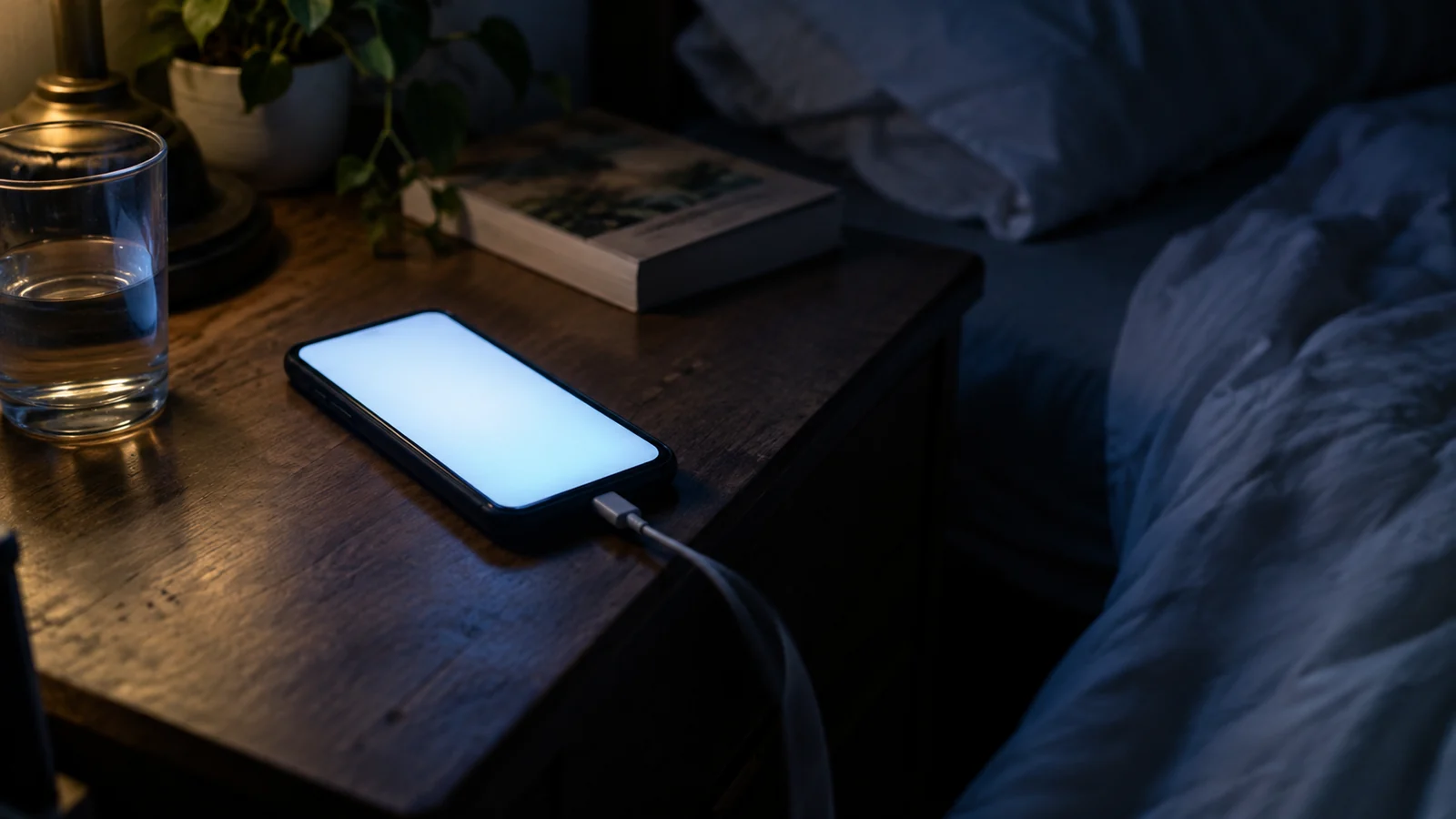

Wireless emergency alerts are the ones that arrive without you doing anything — the shriek at 2am, the flash flood warning you didn't ask for, the AMBER alert for a county you were only driving through. There is no app behind them and no subscription.
Which is why the two things people actually want to know are how to stop the ones that don't matter, and how to be sure they'll still get the ones that do.
What They Are, and Who Sends Them
Authorised agencies — the National Weather Service, state and local emergency managers, law enforcement — submit a message to FEMA's Integrated Public Alert and Warning System, and wireless carriers broadcast it to the towers covering the targeted area.
That last detail matters more than any other. It is a broadcast to a geographic area, not a text message to a list. Your phone receives it because of where it is standing, which is why you get warnings for a county you're passing through, and why leaving a region stops them.
There are four categories in practice. National alerts, issued only at the federal level. Imminent threat alerts, which is where tornado, flash flood and evacuation warnings live. AMBER alerts for abducted children. And public safety messages, the lower-urgency advisories.
They're free, they don't count against a message allowance, and they use a distinctive tone and vibration that most phones will play even on silent.
Turning Them On, Off, and Back On Again
Every phone sold in the US for years has arrived with these switched on. People switch them off after one bad night and then forget they did.
On wireless emergency alerts iphone, the switches sit at the very bottom of Settings › Notifications, below every app in the list — which is why people swear they aren't there. You'll find Emergency Alerts and Public Safety Alerts, and on newer versions a separate test alerts toggle.
On wireless emergency alerts android the path varies by manufacturer, but Settings › Notifications › Wireless emergency alerts is the common one. Samsung keeps the same screen under Settings › Safety and emergency. Each category has its own switch, plus options for the alert sound and vibration.
The one to leave alone is the extreme and severe threat category. AMBER and public safety messages are the reasonable things to disable if the interruptions are genuinely unmanageable.
When Android Says "Keeps Stopping"
This is a specific, common and badly documented failure: a repeating Wireless Emergency Alerts keeps stopping dialog, often after a system update, sometimes in a loop that makes the phone awkward to use.
It is a fault in the alerts app on the handset, not a problem with the alerting system itself, and the phone may still be receiving broadcasts while the dialog appears. It's worth fixing rather than dismissing, because the state of the app after a crash loop isn't something to guess at.
What resolves it, in the order worth trying: restart the phone; then in Settings › Apps find Wireless Emergency Alerts — you may need to show system apps — and clear its cache. If it returns, clear the app's storage too. That resets the alert preferences, so check your categories afterwards. Updating Carrier Services and Google Play services fixes a further slice of cases.
If it survives all of that, it's worth a conversation with your carrier rather than more settings archaeology.
What They Don't Cover
They carry national and imminent threats. They do not carry the local, lower-tier notifications most counties run separately — road closures, boil-water notices, shelter openings, utility work. Those come from a county or city system you have to join yourself, and Emergency Alerts in My Area covers how to find yours.
They also aren't apps. If you want hazard-specific tracking, mapping, or a record of what was issued, that's a different tool — see Emergency Alert Apps.
And for what's active right now across the country, the Live Emergency Map puts current National Weather Service warnings and recent earthquakes on one screen.
Check your alert settings tonight, and put a receiver that doesn't need a cell tower somewhere in the house. Together those take about ten minutes.
FAQ: Wireless Emergency Alerts
Do I need an app to get wireless emergency alerts?
No. They're broadcast by cell towers to every capable phone in the targeted area. Nothing to install, nothing to sign up for, and no charge.
Why did I get an alert for somewhere I don't live?
Because they go to a geographic area, not a subscriber list. Your phone was connected to a tower covering the targeted area at the time.
Can I turn them off?
AMBER alerts and public safety messages, yes. National alerts, no. Imminent threat alerts can be disabled, but that's the category you least want to lose.
Why does my Android say "Wireless Emergency Alerts keeps stopping"?
It's a fault in the handset's alerts app, commonly after a system update. Restart, then clear that app's cache, then its storage. Re-check your alert categories afterwards, since clearing storage resets them.
Will they work if the power is out?
Only while the cell network holds. Towers run on limited backup power and congest quickly. That's the argument for a battery or crank receiver alongside them.
Is an alert the same as an evacuation order?
Read the text. Some alerts warn, some direct. When one directs you to act, act on it and follow local emergency services rather than waiting for confirmation elsewhere.
Sources
- FEMA — Integrated Public Alert and Warning System (IPAWS) and Wireless Emergency Alerts
- FCC — Wireless Emergency Alerts consumer guide
- National Weather Service — alert issuance and warning categories
- Apple and Android published settings documentation, checked September 2026
This page is general information. When a warning is active or an emergency is underway, follow local authorities, National Weather Service alerts and emergency services before any general guidance. See our Editorial Policy and Sources & Fact-Checking.