
Most households keep their important paperwork in three or four places, none of which is the place they'd think of on the way out the door. That's the actual problem — not knowing which documents matter, but being able to put a hand on them in under a minute.
Sorting them takes an afternoon, most of it waiting for a scanner. Once it's done it stays done for years, and it pays off long after any emergency — the same folder covers a hospital admission, a house move or an insurance claim.
Sort Into Three Piles, Not One
Every emergency documents checklist online is a long single list, which is why people either photocopy everything or give up. Split it by what each document is actually for.
Travels with you as an original
Anything that proves who you are or lets you cross a border: passports, birth certificates, permanent residency and naturalisation papers, marriage and custody documents, and any court order affecting a child. Add a written medication list — drug, dose, prescriber, pharmacy — which is what lets someone else help, and check with your pharmacy how they'd handle a refill away from home, since that varies by medication and by state.
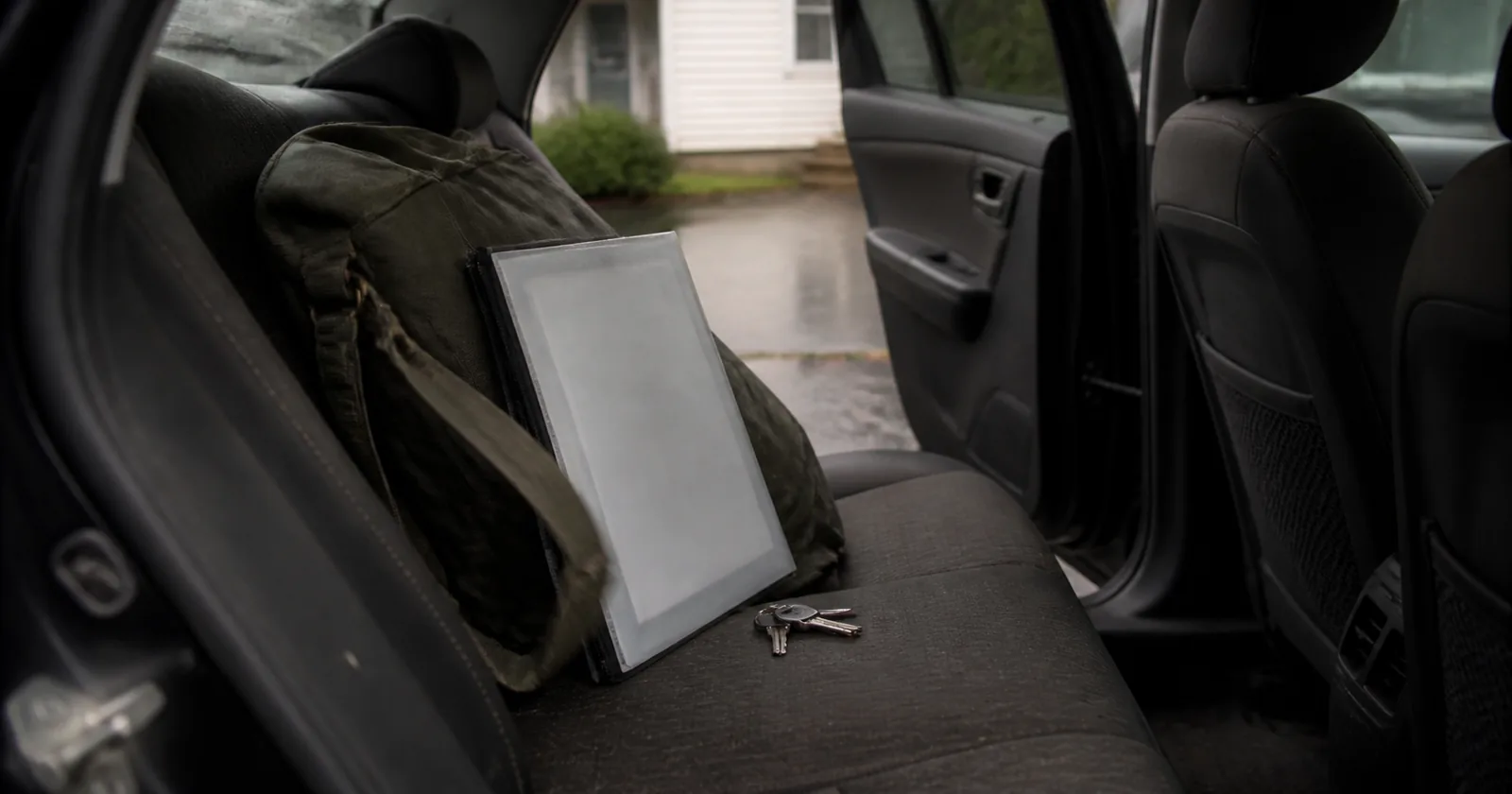
These are the ones worth the slim folder that lives with the go bag. One caution: a folder holding every identity document in the household is also a single thing to lose. Keep it on a person rather than loose in a vehicle, and think about whether every original genuinely needs to travel, or only the ones you'd need to prove identity away from home.
Scanned copies are enough
Insurance policies, deeds, titles, mortgage and lease agreements, tax returns, bank and investment statements, vehicle registration, immunisation records, wills and powers of attorney. For an insurance claim or a benefits application, a legible scan with the policy number gets the process started, and the original can follow.
Photograph the contents of the house while you're at it — a slow walk through each room with the camera running is a cheap inventory, and insurers generally accept it.
Replaceable, don't carry it
Bank cards, most utility bills, warranty paperwork, receipts. All of it can be reissued, and none of it justifies the weight or the risk of losing a folder containing your entire identity.
Paper, Digital, or Both
Both, and the split matters. Paper survives a dead battery. Digital survives a house fire. Neither one covers the other.
Scanning
A phone scanning app is fine — better than fine, because it crops and deskews automatically. Scan at a readability you'd accept on a claim form, name the files plainly, and keep them in one folder rather than scattered across a camera roll.
Storing the digital copy safely
This is where most advice goes quiet, and it shouldn't. A folder of passports and account numbers is exactly what identity theft is built from, so it doesn't belong unencrypted in a general cloud drive or emailed to yourself.
Use an encrypted container or an encrypted USB drive, with a password you can recall under stress, and keep the drive somewhere other than the house — a relative, a workplace drawer, a safe deposit box. If you use cloud storage, encrypt the archive before it goes up, not after.
The originals that stay home
Whatever isn't travelling goes in a fire-resistant box or a safe deposit box. Worth knowing about fire boxes: most consumer models are rated for paper and for a limited time at temperature, and they are not the same as a safe. They buy you a chance, not a guarantee.
Building the Grab-and-Go Folder
One slim folder, plastic and water-resistant, sized to slide into the outer pocket of a go bag rather than to sit on a shelf looking impressive. A thick binder is a binder that stays behind.
Inside it: the originals from pile one, the encrypted drive, and a printed one-page quick reference. Keep that reference deliberately non-sensitive — contacts, the out-of-area number, your insurer's claims line, the doctor and pharmacy. Full account numbers, policy details and identity numbers belong in the encrypted archive, not on a loose sheet.
The same rule applies to phones. A photo of a contact card in a camera roll is fine. A photo of a page listing account and identity numbers is not — a camera roll is synced, shared and rarely encrypted, and that is exactly the material identity theft is built from.
Store it with the go bag, not in a filing cabinet in another room. Everything in the emergency kit follows the same principle: it lives where you'll be when you need it.
| What | Where | Why there |
|---|---|---|
| Slim folder, originals | With the go bag | Leaves the house in one movement |
| Encrypted drive | In the folder, plus one copy off-site | Survives the house |
| Remaining originals | Fire-resistant box or bank | Not worth carrying, worth protecting |
| Non-sensitive quick reference | Folder, and a photo on each phone | The version you'll actually use — contacts only, no account numbers |
Keeping It Current
Once a year, and immediately when a passport is renewed, a policy changes, a vehicle is replaced or someone joins or leaves the household. Set the annual check on the same day as the rest of the plan review.
When a document is replaced, destroy the old copy properly and delete the old scan. A folder holding three versions of an expired policy is how people end up quoting a number that stopped being valid two renewals ago.
Start with the ten-minute audit: find out what you already have and what's missing. The missing item is the one that takes weeks, so it's the one to start on today.
FAQ: Emergency Documents Checklist
What documents should be in an emergency kit?
Identity and legal originals — passports, birth certificates, custody or immigration papers — a written medication list, and an encrypted drive with scans of everything else. Insurance and property paperwork can be copies.
Is a binder or a folder better?
A slim water-resistant folder that fits in a bag. Binders get heavy, and a document organiser that doesn't leave the house with you has solved the wrong problem.
Is it safe to keep scans in cloud storage?
Only if the archive is encrypted before upload. An unencrypted folder of identity documents is a serious identity-theft exposure — encrypt it, or keep it on an encrypted drive held off-site.
What about a fireproof safe?
Useful for the originals that stay home. Read the actual rating: consumer fire boxes protect paper for a limited period at a limited temperature, and they are not a substitute for an off-site copy.
How often should I update the documents kit?
Annually, and immediately whenever a document is renewed or replaced. Delete the superseded scan at the same time.
Does FEMA have a template for this?
Yes — FEMA's Emergency Financial First Aid Kit covers the financial and legal side in detail and is worth working through alongside this.
Sources
- FEMA — Emergency Financial First Aid Kit (EFFAK)
- Ready.gov — Financial Preparedness
- American Red Cross — disaster recovery documentation
- State vital records offices — replacement procedures
When a warning is active, follow local authorities and official emergency instructions before any general guidance. See our Editorial Policy and Sources & Fact-Checking.